
Webhook של Bitbucket Cloud
1. Navigateנווט toלמאגר your ה-Bitbucket repo.שלך.
2. On left sidebar click on "Repository Settings".


3. On left sidebar click on "Webhooks"Webhookבסרגל הצד השמאלי לחץ על "Repository Settings"..
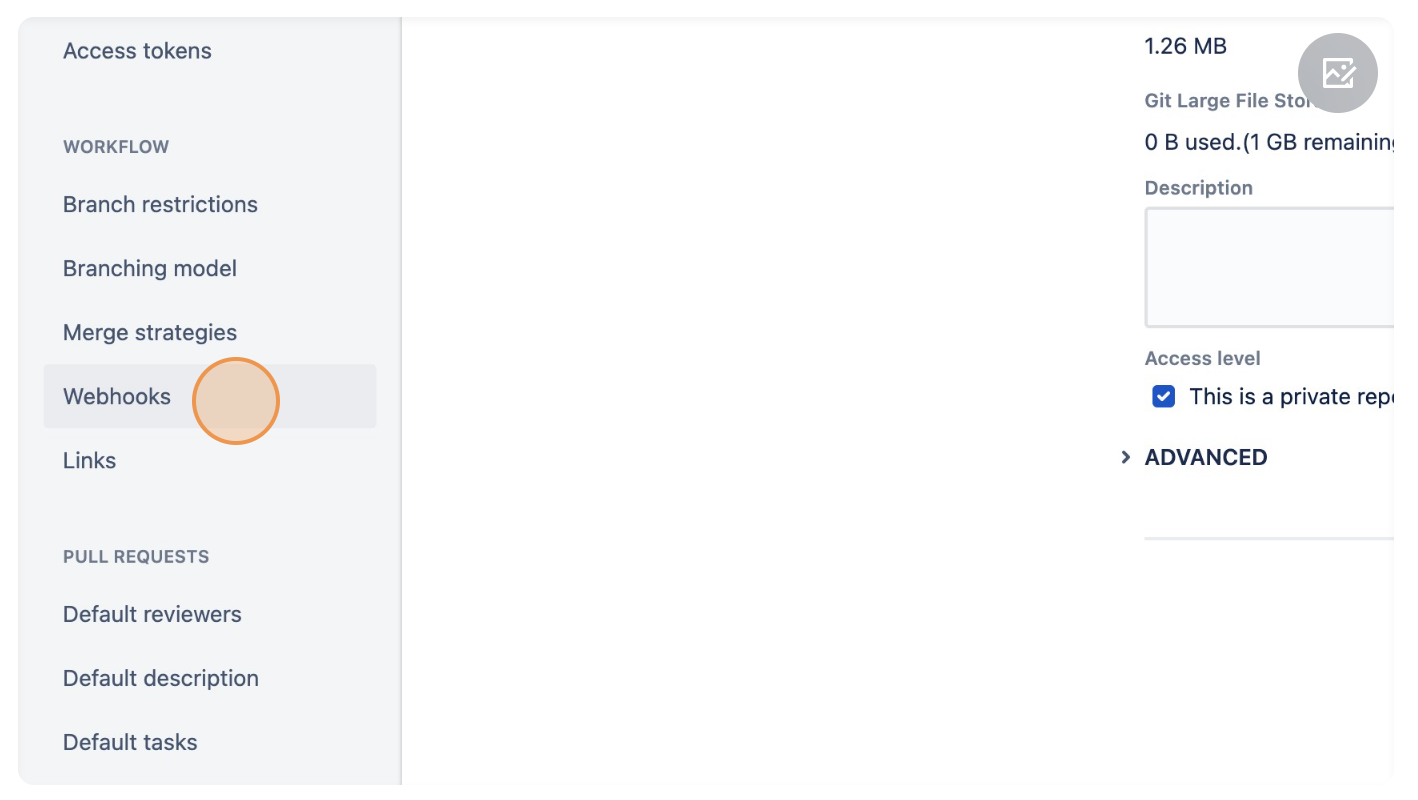

4.לחץ Clickעל "Add webhook".

5. Inבכותרת the(Title) Titleהוסף addשם aעבור name for the webhook.ה-Webhook.

6. In the URL add "https://<enterprise-dns>/api/application/client/git/events/add".add בכתובת ה-URL הוסף:

7. Go to Trigger section and select "Created", "Updated", "Merged", "Declined" and "Push".

8.Click "Save".
