GitHub Configuration
Generate a Personal Access Token for GitHub and configure it in RoostGPT.
GitHub Cloud (github.com)
Quick Token Generation
Use this direct link to generate a token with all required scopes pre-selected:
Manual Steps
-
Go to GitHub → Settings → Developer settings → Personal access tokens
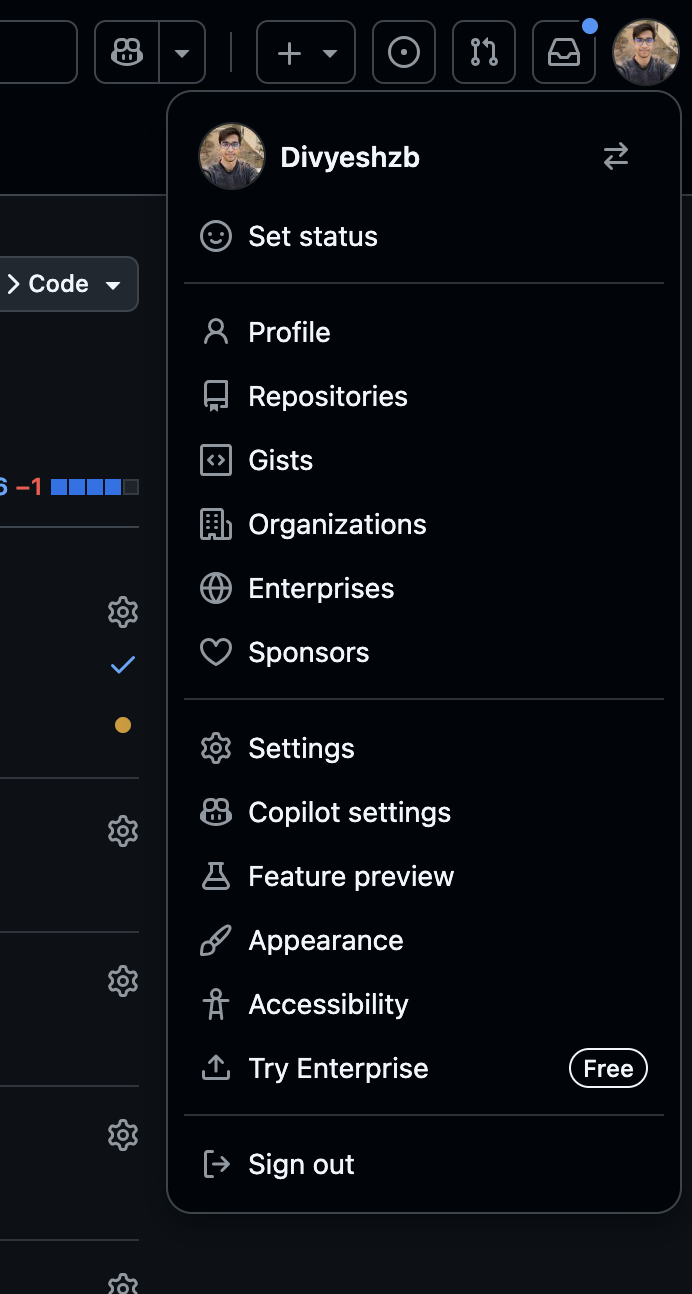

-
Click "Generate new token" → "Generate new token (classic)"
-
Set a descriptive name (e.g.,
RoostGPT) and an expiration -
Select the required scopes (see below)
-
Click "Generate token"
-
Copy the token immediately — it is shown only once
Required Scopes
| Scope | Purpose |
|---|---|
repo | Full repository access (read/write to code, issues, PRs) |
admin:repo_hook | Repository webhook management |
notifications | Access notifications |
user | Update user data |
GitHub Enterprise Server
- Token Type: Personal Access Token
- Generation Steps: Same as GitHub Cloud but on your enterprise instance URL
- Base URL: Configure your enterprise server URL (e.g.,
https://github.yourcompany.com)
Add to RoostGPT
Web UI (Connector)
- Click Connectors in the top navigation bar → Code Repositories
- Select GitHub
- Enter your Personal Access Token
- For Enterprise, also enter your Base URL
CLI (.env file)
GIT_TYPE=github
SOURCE_GIT_TOKEN=ghp_...your_token...
SOURCE_OWNER_NAME=your-org-or-username
SOURCE_REPO_NAME=your-repo
SOURCE_BASE_BRANCH=main

# For Enterprise (self-hosted):
HOSTED_TYPE=hosted
GIT_HOSTED_URL=https://github.yourcompany.com