Anthropic Claude Configuration
Configure a Claude API key from Anthropic for use with RoostGPT.
Step 1: Create an Anthropic Account
- Visit console.anthropic.com
- Click "Sign Up" or "Get Started"
- Complete registration with email verification
Step 2: Generate an API Key
-
Log into the Anthropic Console
-
Navigate to "API keys" in the left sidebar
-
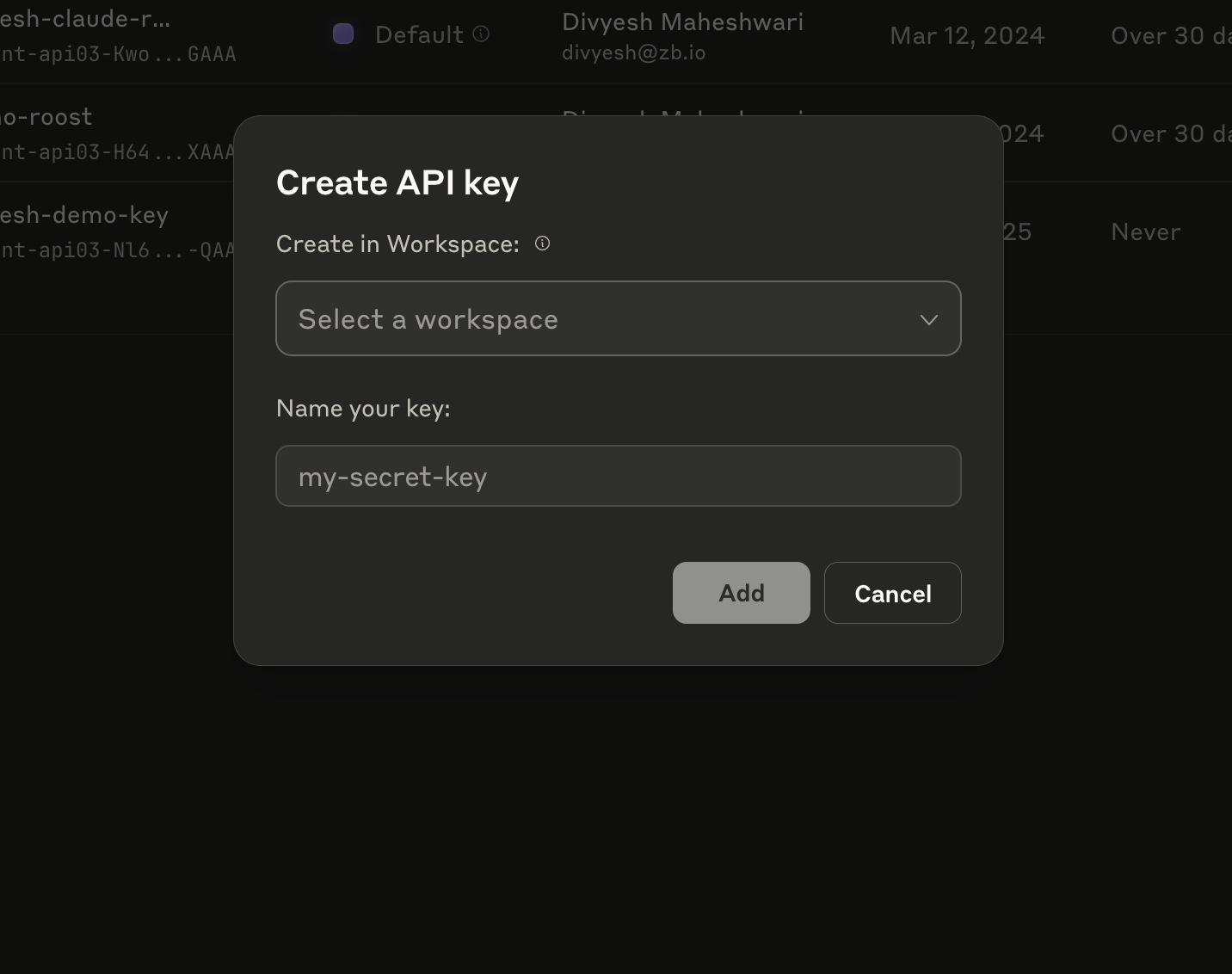
Click "Create API key"
-
Configure:
- Workspace: Select your workspace (or "Default")
- Name: Enter a descriptive name (e.g.,
RoostGPT-Production)
-
Click "Add"
-
Copy the key immediately — it starts with
sk-ant-api03-and is shown only once
Step 3: Add to RoostGPT
Web UI (Connector)
- Click Connectors in the top navigation bar → AI Model
- Select Claude AI
- Paste your API key
- Select your default model
CLI (.env file)
AI_TYPE=claude_ai
CLAUDE_AI_API_KEY=sk-ant-api03-...your_key...
CLAUDE_AI_MODEL=claude-sonnet-4-20250514
Recommended Models
| Model | ID | Context | Output | Pricing | Best For |
|---|---|---|---|---|---|
| Claude Sonnet 4 (Primary) | claude-sonnet-4-20250514 | 200K–1M | 64K | $3/1M in, $15/1M out | All RoostGPT tasks — best balance |
| Claude Opus 4.1 (Premium) | claude-opus-4-1-20250805 | 200K | 32K | $15/1M in, $75/1M out | Most demanding tasks, critical analysis |
| Claude Haiku 3.5 (Budget) | claude-3-5-haiku-20241022 | 200K | 8K | $0.25/1M in, $1.25/1M out | High-volume, speed-critical tasks |
Start with claude-sonnet-4-20250514 — optimal balance of performance, speed, and cost for RoostGPT.
Model Feature Comparison
| Feature | Sonnet 4 | Opus 4.1 | Haiku 3.5 |
|---|---|---|---|
| Extended Thinking | ✅ | ✅ (most advanced) | ❌ |
| Multimodal (Vision) | ✅ | ✅ | ✅ |
| Latency | Fast | Moderate | Fastest |
| SWE-bench Score | — | 74.5% | — |
| Training Data | Mar 2025 | Mar 2025 | Jul 2024 |
Notes
- Claude models have a 200K default context window, expandable to 1M with a beta header (Sonnet 4)
- The large output capacity (64K tokens on Sonnet 4) is ideal for comprehensive code generation
- Extended thinking on Opus 4.1 is best for complex debugging and architecture-level reasoning