Azure OpenAI Configuration
Use Azure OpenAI for enterprise-grade AI with data residency, VNET integration, and SLA guarantees.
Step 1: Create an Azure OpenAI Resource
-
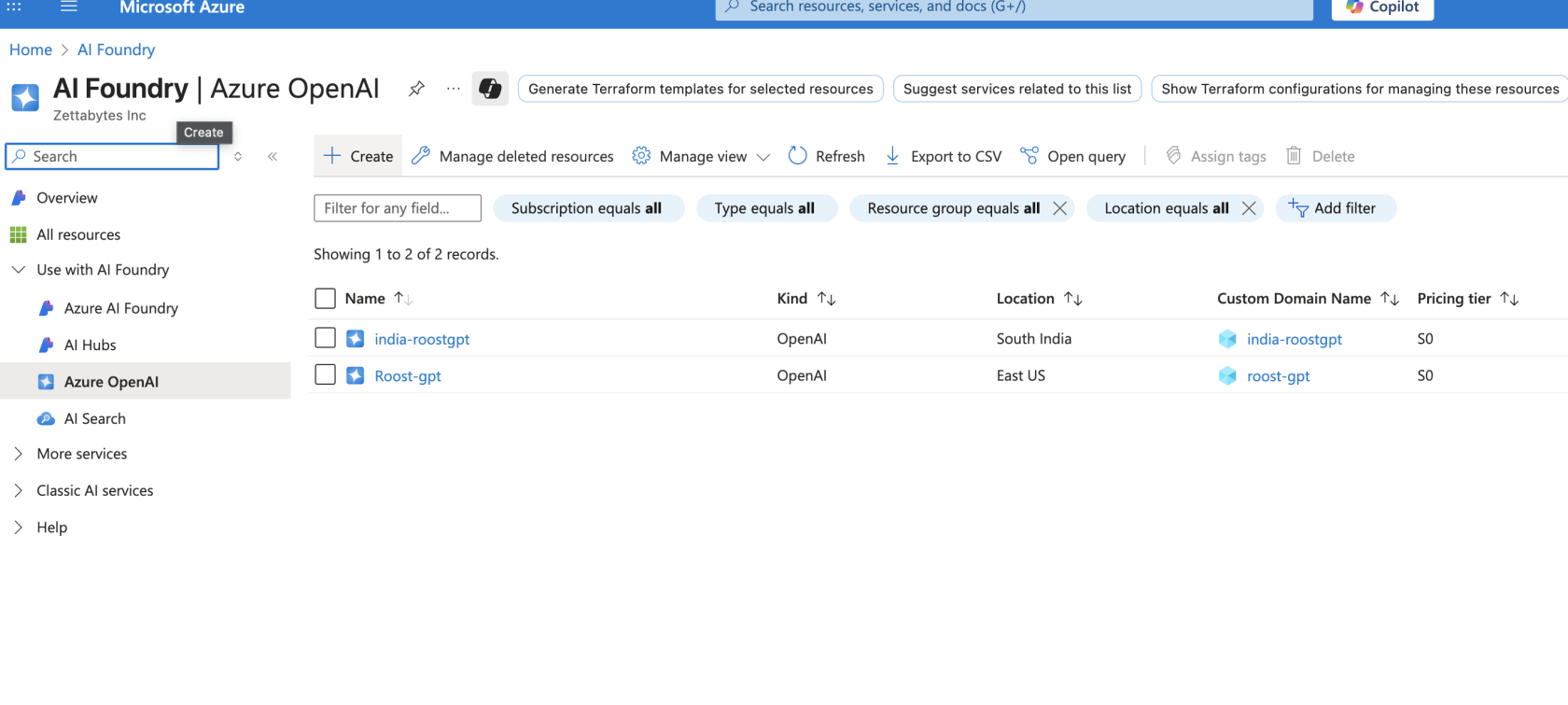
Log into portal.azure.com
-
Search for "Azure OpenAI" in the top search bar
-
Click "Create" → "Azure OpenAI"
-
Configure:
- Subscription: Your Azure subscription
- Resource Group: Create new or select existing
- Region: Choose a supported region (e.g., East US, West Europe)
- Name: Unique name (e.g.,
roostgpt-openai-prod) - Pricing Tier: Standard S0
-
Click Review + Create
Step 2: Deploy a Model
- Open your Azure OpenAI resource
- Go to Model deployments in the left sidebar
- Click "Create new deployment"
- Configure:
- Model: Select model (e.g.,
gpt-4o) - Deployment name: Your custom name (e.g.,
gpt-4o-deployment) - Model version: Select latest
- Deployment type: Standard
- Model: Select model (e.g.,
- Click Create
Step 3: Get API Key and Endpoint
- In your resource, navigate to "Keys and Endpoint"
- Copy KEY 1 (or KEY 2)
- Copy the Endpoint URL (format:
https://your-resource.openai.azure.com/) - Store both the key and endpoint securely together
Step 4: Add to RoostGPT
Web UI (Connector)
- Click Connectors in the top navigation bar → AI Model
- Select Azure OpenAI
- Enter:
- API Key
- Endpoint URL
- Deployment name (the name you chose in Step 2)
CLI (.env file)
AI_TYPE=azure_open_ai
AZURE_OPENAI_KEY=your_key
AZURE_OPENAI_ENDPOINT=https://your-resource.openai.azure.com/
AZURE_DEPLOYMENT_NAME=gpt-4o-deployment
Recommended Models
| Model | ID (Deployment Name) | Context Window | Best For |
|---|---|---|---|
| GPT-4o (Primary) | your deployment name | 128K | All RoostGPT tasks |
| GPT-4o-mini (Cost-Effective) | your deployment name | 128K | High-volume, cost-sensitive tasks |
| GPT-5 (Advanced) | your deployment name | 272K | Complex reasoning, large codebases |
Azure Advantages Over Direct OpenAI
- Data residency — data stays in your chosen Azure region
- VNET integration — keep traffic inside your private network
- Private endpoints — no public internet exposure
- Managed identity — no API keys in code
- SLA guarantees — enterprise uptime commitments
- Azure Monitor — integrated observability and alerting